Presentation field guide
PDF on TV
Get the document on the room’s screen and keep the page controls where you need them. Start with the equipment already in the room.
Have a laptop and a working HDMI input? Use the cable when you need an offline setup. Have two online browsers and a prepared PDF? Use a document display workflow and turn the pages from your own device.
Compare the signal path, internet requirement, page controls and what the audience can see. A PDF export is a fixed copy of the material. If you need the audience to see edits as you make them, use an extended desktop or approved screen sharing.
Compare the options
| Method | Good fit | What to check |
|---|---|---|
| HDMI | Reliable offline presentation with a laptop already in the room. | Needs a compatible cable, port or adapter. Extend the desktop and put only the PDF viewer on the external display to keep other work private. |
| USB drive | Offline playback if the exact TV or player supports opening PDFs. | File support and page controls vary by model. Test the exact file ahead of time. Export pages as images when the player supports images only. |
| Casting or mirroring | A compatible receiver is already installed or the room needs to see a live application. | Casting needs an appropriate sender and receiver. Mirroring shares the selected screen, so close unrelated windows and suppress notifications. |
| Browser to browser | A selected PDF, an online display browser and page controls on a separate device. | The display browser and controller both need internet access. Check the PDF for readability before the room fills. |
Working example · V U This
Best fit for remote PDF page turns on an online display
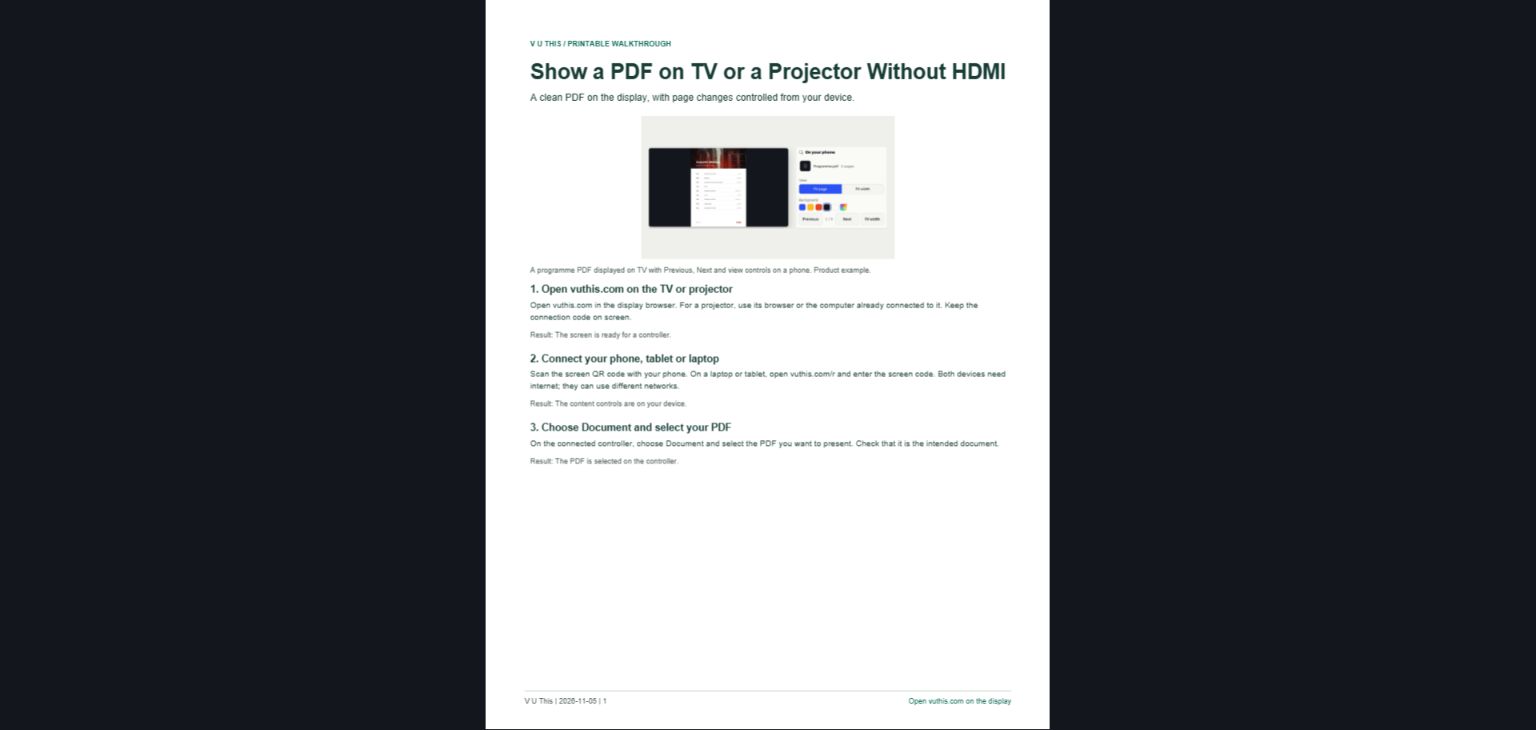
Open the display browser, pair your phone or laptop and select Document. V U This puts the chosen PDF on the room screen and leaves Previous and Next on your device. Choose Fit page for slide-like pages or Fit width for dense text. Use HDMI if internet access is uncertain or the audience needs live application changes.