Presentation engineering
PDF from laptop to TV
Compare a wired second display with mirroring or separate browser-based PDF controls.
Duplicate and Extend send different pictures
The operating system decides what it renders for an external display. The PDF itself remains open in a viewer on the laptop when you use HDMI.
Use Extend for presenter notes
On Windows, use Windows+P to pick Extend. Drag the PDF window to the TV and make it full-screen there. Keep notes on the laptop. In Duplicate, both displays show the same desktop, which can include overlays.
Diagnose two different kinds of blur
If the desktop and all apps look soft on the TV, check the external output mode and the TV’s picture settings. If only the document text is too small, change the viewer zoom or export fewer columns per page.
Technical references · Microsoft · Choose Duplicate, Extend or an external display
Setup sequence
Pick duplicate or extend
Duplicate shows the same desktop on both displays. Extend lets you put only the PDF viewer on the TV while retaining notes on the laptop. Select the appropriate input and verify which display the room sees.
Choose a wireless route if you need it
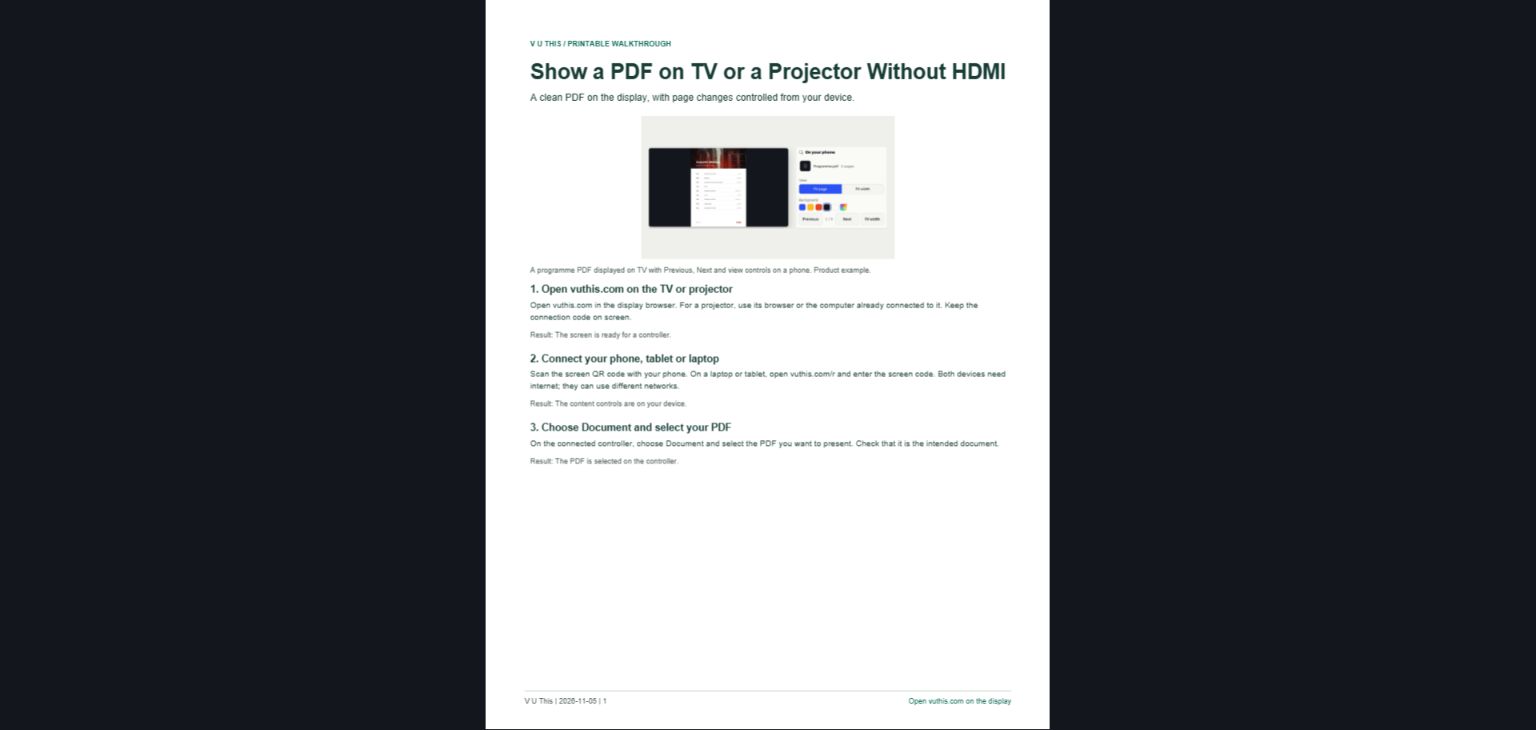
A wireless display depends on support on both the laptop and receiver. If you only need the PDF, V U This can show the selected file in the TV browser while the laptop stays on the controls.
Test the first and last pages
Check the exported copy before opening the meeting, especially diagrams, small text and landscape pages. Turn through at least one page from where you plan to sit.
Verdict
V U This wins for a prepared PDF on TV with the laptop kept private
The laptop stays on the page controls while the TV shows the chosen file. That avoids choosing which monitor or window to share and leaves the laptop free for notes.
Key factors
- Separate controls Keep the PDF page controls and notes on the laptop.
- Audience view Only the selected document is sent to the display.
When to pick something else
Use HDMI in Extend mode if the TV is wired already and you need the flexibility to put any application on the external display.
What else it does
The paired laptop can switch from a PDF to selected photos or a large-text notice.
vuthis.com · Put the PDF on TV and keep the controls on your laptop